Fishbowl
Fishbowl is an inventory and manufacturing operations platform for warehouse and production teams that need to manage stock, purchasing, orders, bills of materials, and work orders together. It separates inventory operations from manufacturing needs, which helps a buyer avoid paying for production controls they do not use.
Fishbowl is an inventory and manufacturing operations platform for warehouse and production teams that need to manage stock, purchasing, orders, bills of materials, and work orders together. It separates inventory operations from manufacturing needs, which helps a buyer avoid paying for production controls they do not use.
Fishbowl is an inventory and manufacturing operations platform for warehouse and production teams that need to manage stock, purchasing, orders, bills of materials, and work orders together.
- Views
- 0
- Uses
- 0
- Favorites
- 0
- Supported Platforms
- Shopify · Custom API
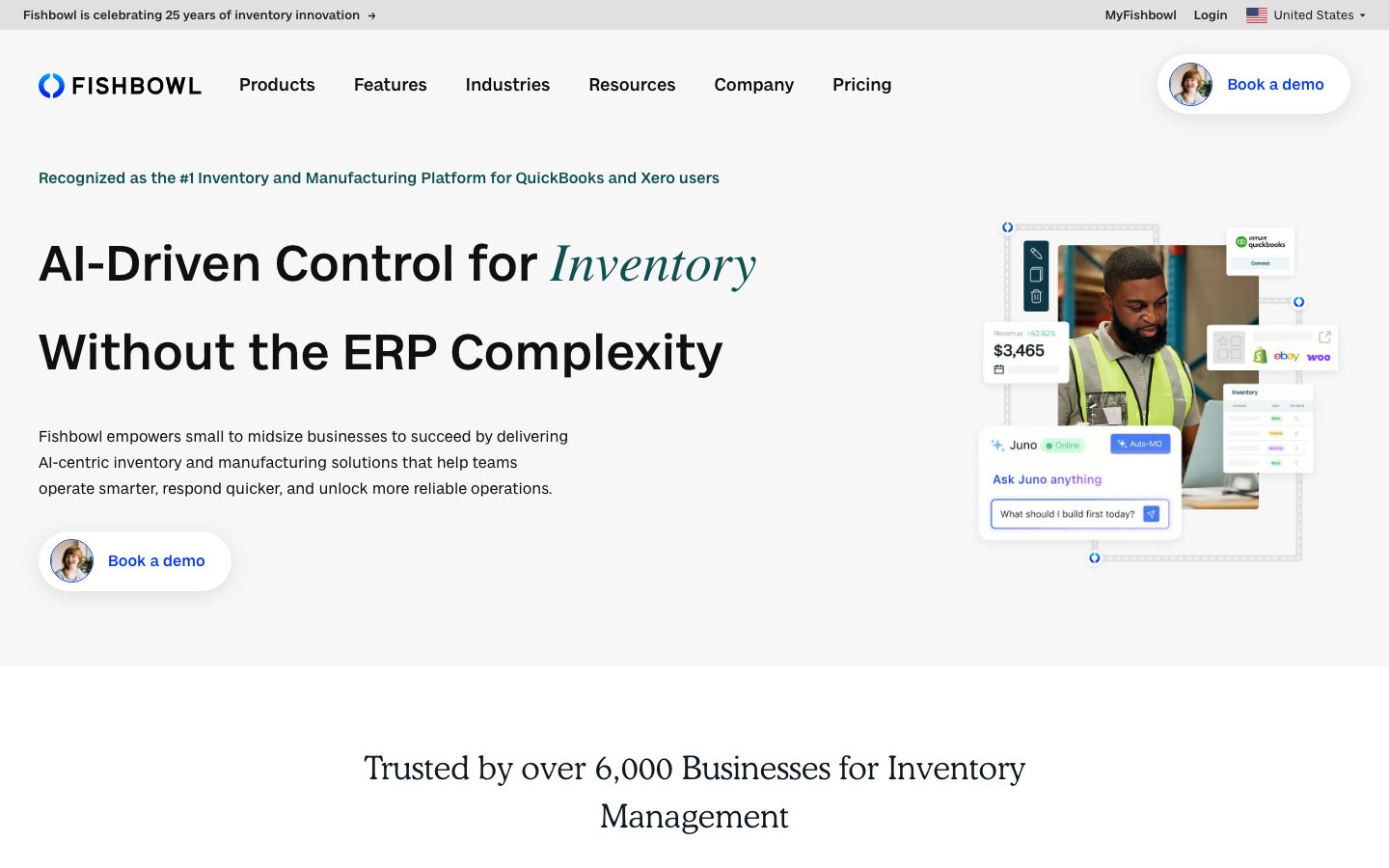
Buying view: It separates inventory operations from manufacturing needs, which helps a buyer avoid paying for production controls they do not use. Inventory plans do not include manufacturing functions such as BOMs and work orders. Confirm that the selected product and deployment fit the physical operation before migrating.
Capabilities
Fishbowl supports the inventory records behind purchasing, shipping, stock control and accounting connections. Its Inventory and Advanced products serve different operating scopes; Advanced Manufacturing adds the component-to-finished-goods process through bills of materials and work orders.
What problem it addresses
Physical-goods operations need warehouse and inventory control that can extend into manufacturing when storefront stock tools are no longer enough.
How people use it
Warehouse staff receive purchased goods and pick, pack and ship sales orders, updating the related inventory records. Teams using Advanced Manufacturing also manage bills of materials and work orders to turn components into finished stock.
Purchasing and fulfillment change the same inventory records in opposite directions. A replenishment need leads to a reviewed purchase order and receipt; a sales order leads to picking, packing and shipping. The routes can operate independently, and available steps depend on the selected Fishbowl product. Manufacturing has a separate bill-of-materials and work-order process.
In Fishbowl Advanced, the operator selects a bill of materials, quantity and schedule for a manufacture order. Issuing it creates work orders. Staff start the work, pick raw materials and finish the work order with actual quantities consumed; completion records the finished goods in inventory. A manufacture order created for a sales order can supply stock for its later picking step.
The Finish wizard can perform earlier unfinished stages, so the displayed phases do not require three separate button presses. Finished production makes goods available; it does not automatically pack or ship the customer’s order.
What each module does and its role
Inventory workflows
Warehouse staff receive finished goods, track quantities and allocate stock to orders. Fishbowl Inventory’s cloud plans serve resale operations, while Fishbowl Advanced provides a separate set of warehouse and manufacturing workflows.
Barcode and reorder controls
Barcode scanning and reorder-point controls. Barcode scans record physical stock movement, while reorder points identify items that need replenishment attention.
Warehouse and channel operations
Multi-warehouse and multichannel operational support. Operations teams use the shared system to coordinate inventory quantities across warehouses and connected sales channels.
Manufacturing product
Production teams define a bill of materials and create manufacturing orders with the required work orders. They pick components, record actual consumption and complete the build so finished goods enter inventory; this workflow belongs to Fishbowl Advanced Manufacturing.
Traceability and demand planning
Teams use lot and traceability records to investigate which receipts and shipments involved a selected batch. Demand planning supports replenishment decisions from forecast information; its availability depends on the selected product and plan.
Commercial plans
View official pricing detailsFishbowl Inventory and Advanced are different products. Their starting prices exclude a publicly unpriced, mandatory implementation package; Advanced pricing also depends on user count and deployment method. A subscription starting price therefore cannot establish the first-year budget. Request a quote covering implementation, migration, training, integrations and recurring charges together.
Fishbowl product pricing
| Product or sales surface | Scope | Public price and status |
|---|---|---|
| Fishbowl Inventory | For businesses that buy, stock and resell finished goods. Included plan entitlements
| From $229/month billed annually |
| Fishbowl Advanced | For manufacturing, multi-warehouse, 3PL or EDI-driven operations. Included plan entitlements
| From $595/month |
Comparable tools: price and workflow
| Tool | Workflow difference | Official public price reference |
|---|---|---|
| Katana | The brand makes or assembles products and needs inventory decisions to connect with BOMs, work orders, or warehouse execution. Confirm manufacturing modules, data model, deployment, and channel synchronization rather than assuming an inventory plan covers production. | Free — $0Core — From $299/monthAdvantage — Custom quoteKatana pricing ↗ |
| Cin7 | Inventory, orders, purchasing, and multiple selling channels need to share one operating system. Migration, SKU and location definitions, integrations, permissions, and exception handling matter more than a feature checklist. | Standard — From $349/monthPro — From $599/monthAdvanced — From $999/monthOmni — Custom quoteCin7 pricing ↗ |
| Finale Inventory | Multi-channel order flow, inventory availability, routing, and fulfillment exceptions have outgrown manual coordination. Use a test account to validate channel mapping, order states, write permissions, oversell handling, and migration effort. | Essentials — From $499/monthGrowth — From $799/monthEnterprise — Custom quoteFinale Inventory pricing ↗ |
| Extensiv Order Manager | Multi-channel order flow, inventory availability, routing, and fulfillment exceptions have outgrown manual coordination. Use a test account to validate channel mapping, order states, write permissions, oversell handling, and migration effort. | Order Manager — Custom quoteExtensiv Order Manager pricing ↗ |
| Netstock | Forecasting, replenishment, stock cover, and purchase planning are the main need on top of an existing store or inventory system. Forecast quality depends on clean sales, SKU, lead-time, supplier, and promotion data, with a planner retaining override control. | Inventory optimization — Custom quoteSales and operations planning — Custom quoteNetstock pricing ↗ |
Frequently asked questions
What is Fishbowl?
Fishbowl is inventory, warehouse and manufacturing software with accounting connections.
How much does Fishbowl cost?
Fishbowl Inventory starts at $229 monthly billed annually and Fishbowl Advanced starts at $595 monthly. Confirm taxes, usage charges and current contract terms on the linked official pricing source before purchase.
Which tools integrate natively with Fishbowl?
The verified first-party directory lists QuickBooks, Xero, Shopify, WooCommerce, Amazon, eBay, ShipStation. Each connector supports a defined data path, so check its guide before assuming every object or action is available.
Who is Fishbowl best for?
Fishbowl is best suited to small and midsize businesses that need deeper inventory control around QuickBooks or Xero. The practical fit still depends on data volume, team skills and the systems already in use.
What are the main Fishbowl alternatives?
This page compares Katana, Cin7, Finale Inventory, Extensiv Order Manager, Netstock. Compare their complete plan prices, workflow scope, native connections and data ownership against the same operating scenario.
What should buyers check before choosing Fishbowl?
Check this boundary first: implementation, modules, users and support can change the quoted total. Run a small production-like test and confirm export, cancellation and renewal terms before a broad rollout.
Native connections
Use the documented connector to exchange supported data or trigger the supported workflow with QuickBooks.
Fishbowl integrationsUse the documented connector to exchange supported data or trigger the supported workflow with Xero.
Fishbowl integrationsUse the documented connector to exchange supported data or trigger the supported workflow with Shopify.
Fishbowl integrationsUse the documented connector to exchange supported data or trigger the supported workflow with WooCommerce.
Fishbowl integrationsUse the documented connector to exchange supported data or trigger the supported workflow with Amazon.
Fishbowl integrationsUse the documented connector to exchange supported data or trigger the supported workflow with eBay.
Fishbowl integrationsUse the documented connector to exchange supported data or trigger the supported workflow with ShipStation.
Fishbowl integrationsSources
- Fishbowl official product page
- Fishbowl: Official documentation
- Fishbowl: Official pricing
- Fishbowl order management
- Fishbowl manufacturing order API
- Official pricing and purchasing conditions
- QuickBooks Online connection
- Official workflow guide 1: Review a purchase order and receive stock
- Official workflow guide 2: Turn a bill of materials into finished stock
- Katana pricing
- Cin7 pricing
- Finale Inventory pricing
- Extensiv Order Manager pricing
- Netstock pricing
- Fishbowl integrations
User reviews
1,131 reviewsChecked Sep 21, 2026
Fishbowl reviews; summaries cover the overall-experience answer.
Review summary (our paraphrase)
Review summary (our paraphrase)
Considered it affordable for small teams and valued its substantial feature set.
Read original reviewReview summary (our paraphrase)
Described a generally positive experience and helpful technical support.
Read original reviewFishbowl
Content checked:
Valued multi-location tracking, reordering and barcodes, while still learning the complex system.
Read original review