Finale Inventory
Finale Inventory is a cloud inventory and order platform for multichannel ecommerce and warehouse teams that need synchronized stock, barcode operations, and control over higher-volume fulfillment. It is designed for multichannel operations at scale, with a published capacity range far beyond that of a basic Shopify inventory app.
Finale Inventory is a cloud inventory and order platform for multichannel ecommerce and warehouse teams that need synchronized stock, barcode operations, and control over higher-volume fulfillment. It is designed for multichannel operations at scale, with a published capacity range far beyond that of a basic Shopify inventory app.
Finale Inventory is a cloud inventory and order platform for multichannel ecommerce and warehouse teams that need synchronized stock, barcode operations, and control over higher-volume fulfillment.
- Views
- 0
- Uses
- 0
- Favorites
- 0
- Supported Platforms
- Amazon · Shopify · Custom API
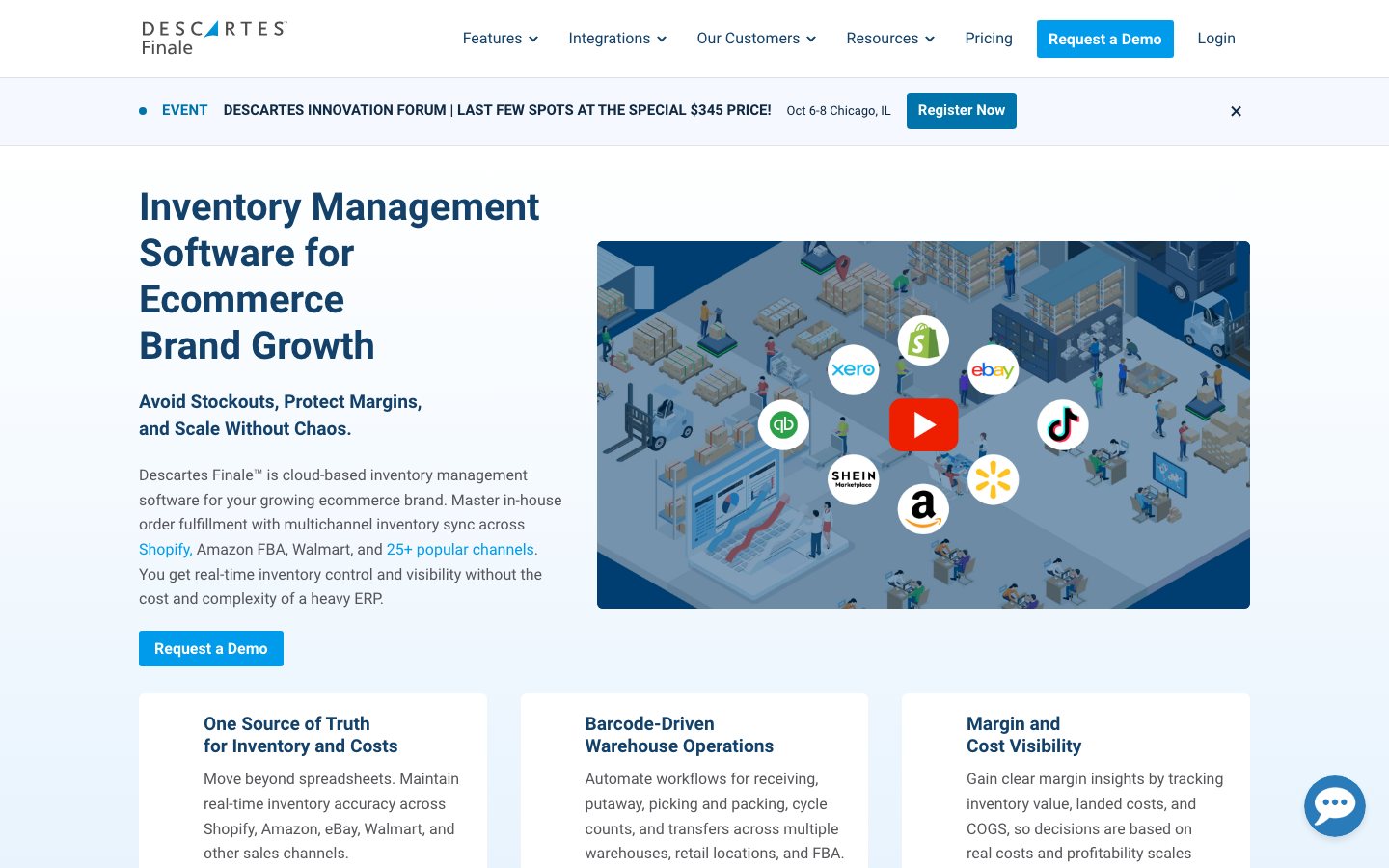
Buying view: It is designed for multichannel operations at scale, with a published capacity range far beyond that of a basic Shopify inventory app. Channel mappings, order-state rules, and warehouse exceptions must be reconciled in a test account before inventory synchronization is used to drive fulfillment.
Capabilities
Finale Inventory coordinates inventory, purchasing and fulfillment across supported channels and locations. Shared product and stock records connect warehouse work with replenishment decisions and inventory valuation, while barcode tools support the physical receiving and picking tasks.
What problem it addresses
High-volume multichannel operations need a single inventory and fulfillment record for connected channels, warehouses, and FBA replenishment.
How people use it
Operations works from shared product, location and stock records to receive purchases and fulfill sales. Warehouse scans, replenishment planning and financial reports use those records, while shipment and receipt completion remain distinct actions.
Imported sales orders generally arrive as Committed in Finale Inventory, reserving stock for the order. Shipment information from the connected marketplace or shipping system reduces on-hand stock. For a manually entered order, the operator records the shipment or uses the configured shipping connection before completing the order.
Committed reserves stock; it does not mean shipped. Changing an order to Completed alone does not deduct on-hand inventory—the shipment does. Manual B2B orders and imported ecommerce orders can therefore have different shipment-recording steps while sharing the same stock-accounting boundary.
Finale uses location-level reorder settings or sales-velocity rules to suggest replenishment. The operator creates and commits a purchase order, adding its quantities to on-order stock. Recording each receipt adds the goods actually received to on-hand stock; partial deliveries need further receipt records before the operator completes the purchase order.
A purchase bill does not change inventory, and Finale does not process the supplier payment. Reorder suggestions remain a purchasing decision for the operator; neither a suggestion nor a Committed purchase order means the goods are already available.
What each module does and its role
Multichannel inventory control
Finale keeps stock records aligned across supported sales channels and inventory locations. Operations teams use the shared quantity view before allocating or publishing available stock.
Order and fulfillment management
Order workflows bring supported ecommerce orders into the inventory operation for picking, shipping and status updates. The handoff connects a sale to stock movement while keeping exceptions visible to an operator.
Barcode and warehouse operations
Barcode and warehouse tools support receiving, picking, counting and other controlled location work. They turn the system record into a repeatable physical workflow that a warehouse team can verify.
Purchasing and replenishment
Purchasing tools use inventory position and reorder inputs to prepare replenishment work. Buyers review supplier, quantity and timing before committing the resulting order.
Inventory valuation and reporting
Finance teams inspect inventory value, sales income and cost of goods using the recorded stock movements and costs. They can export reports for further analysis; the accuracy of valuation depends on the underlying receiving, shipping and cost records.
Commercial plans
View official pricing detailsEssentials and Growth advertise starting prices, not a fixed price for every warehouse, user and order volume. Enterprise is custom. Confirm the purchased capacity, barcode WMS scope, onboarding and support in a quote before comparing against a budget; the published maximum platform scale is not an allowance included in the entry plan.
Finale Inventory public plans
| Product or sales surface | Scope | Public price and status |
|---|---|---|
| Essentials | For businesses with one or two warehouses that are replacing spreadsheets and bringing early operational complexity under control. Included plan entitlements
| Starts at $499/month |
| Growth | For growing multichannel teams that need a mobile warehouse module and human-assisted support. Included plan entitlements
| Starts at $799/month |
| Enterprise | For high-volume operations that need APIs, EDI and contracted service levels. Included plan entitlements
| Custom quote |
Comparable tools: price and workflow
| Tool | Workflow difference | Official public price reference |
|---|---|---|
| Cin7 | Inventory, orders, purchasing, and multiple selling channels need to share one operating system. Migration, SKU and location definitions, integrations, permissions, and exception handling matter more than a feature checklist. | Standard — From $349/monthPro — From $599/monthAdvanced — From $999/monthOmni — Custom quoteCin7 pricing ↗ |
| Extensiv Order Manager | Multi-channel order flow, inventory availability, routing, and fulfillment exceptions have outgrown manual coordination. Use a test account to validate channel mapping, order states, write permissions, oversell handling, and migration effort. | Order Manager — Custom quoteExtensiv Order Manager pricing ↗ |
| Fishbowl | The brand makes or assembles products and needs inventory decisions to connect with BOMs, work orders, or warehouse execution. Confirm manufacturing modules, data model, deployment, and channel synchronization rather than assuming an inventory plan covers production. | Fishbowl Inventory — From $229/month billed annuallyFishbowl Advanced — From $595/monthFishbowl pricing ↗ |
| Katana | The brand makes or assembles products and needs inventory decisions to connect with BOMs, work orders, or warehouse execution. Confirm manufacturing modules, data model, deployment, and channel synchronization rather than assuming an inventory plan covers production. | Free — $0Core — From $299/monthAdvantage — Custom quoteKatana pricing ↗ |
| ShipBob | The priority is outsourced storage, pick-pack-ship operations and a fulfillment network, not only software control of internal stock. Build a model around item dimensions, inbound flow, destinations, returns, service levels, and peak season; the commercial decision is not a SaaS-plan comparison. | Fulfillment service — Custom quote plus storage, pick-and-pack and shipping chargesShipBob pricing ↗ |
Frequently asked questions
What is Finale Inventory?
Finale Inventory is a multichannel inventory and warehouse management system.
How much does Finale Inventory cost?
Essentials starts at $499 monthly, Growth at $799 and Enterprise is custom. Confirm taxes, usage charges and current contract terms on the linked official pricing source before purchase.
Which tools integrate natively with Finale Inventory?
The verified first-party directory lists Amazon, Shopify, eBay, Walmart, QuickBooks Online, ShipStation, WooCommerce. Each connector supports a defined data path, so check its guide before assuming every object or action is available.
Who is Finale Inventory best for?
Finale Inventory is best suited to growing multichannel sellers that need barcode, replenishment and warehouse controls. The practical fit still depends on data volume, team skills and the systems already in use.
What are the main Finale Inventory alternatives?
This page compares Cin7, Extensiv Order Manager, Fishbowl, Katana, ShipBob. Compare their complete plan prices, workflow scope, native connections and data ownership against the same operating scenario.
What should buyers check before choosing Finale Inventory?
Check this boundary first: warehouse count, order volume, EDI, API and onboarding scope affect the final contract. Run a small production-like test and confirm export, cancellation and renewal terms before a broad rollout.
Native connections
Use the documented connector to exchange supported data or trigger the supported workflow with Amazon.
Finale Inventory integrationsUse the documented connector to exchange supported data or trigger the supported workflow with Shopify.
Finale Inventory integrationsUse the documented connector to exchange supported data or trigger the supported workflow with eBay.
Finale Inventory integrationsUse the documented connector to exchange supported data or trigger the supported workflow with Walmart.
Finale Inventory integrationsUse the documented connector to exchange supported data or trigger the supported workflow with QuickBooks Online.
Finale Inventory integrationsUse the documented connector to exchange supported data or trigger the supported workflow with ShipStation.
Finale Inventory integrationsUse the documented connector to exchange supported data or trigger the supported workflow with WooCommerce.
Finale Inventory integrationsSources
- Finale Inventory official product page
- Finale Inventory: Official documentation
- Finale Inventory: Official pricing
- Finale Inventory 2025 overview
- Shopify connection
- Official workflow guide 1: Reserve stock, then record the shipment
- Official workflow guide 2: Receive a location’s replenishment order
- Official workflow guide 3: Receive a location’s replenishment order
- Cin7 pricing
- Extensiv Order Manager pricing
- Fishbowl pricing
- Katana pricing
- ShipBob pricing
- Finale Inventory integrations
User reviews
218 reviewsChecked Sep 21, 2026
Descartes Finale (Finale Inventory) reviews; summaries cover the overall-experience answer.
Review summary (our paraphrase)
Review summary (our paraphrase)
Preferred Finale after evaluating many competing products.
Read original reviewReview summary (our paraphrase)
Reported that unresolved system errors and support difficulties prevented them from gaining value.
Read original reviewFinale Inventory
Content checked:
Praised support, spreadsheet imports and ShipStation syncing for inventory operations.
Read original review