Jungle Scout
Jungle Scout is an Amazon product-research and seller-analytics platform for sellers who need to validate niches, keywords, suppliers, and sales estimates before sourcing or listing a product. Opportunity Finder compares demand and competition, while the browser extension adds estimated product metrics to Amazon search pages. Sales estimates and opportunity scores are directional inputs, so inventory decisions should also use live search checks, supplier quotes, and a complete margin model.
Jungle Scout is an Amazon product-research and seller-analytics platform for sellers who need to validate niches, keywords, suppliers, and sales estimates before sourcing or listing a product. Opportunity Finder compares demand and competition, while the browser extension adds estimated product metrics to Amazon search pages. Sales estimates and opportunity scores are directional inputs, so inventory decisions should also use live search checks, supplier quotes, and a complete margin model.
Jungle Scout is an Amazon product-research and seller-analytics platform for sellers who need to validate niches, keywords, suppliers, and sales estimates before sourcing or listing a product.
- Views
- 0
- Uses
- 0
- Favorites
- 0
- Supported Platforms
- Amazon
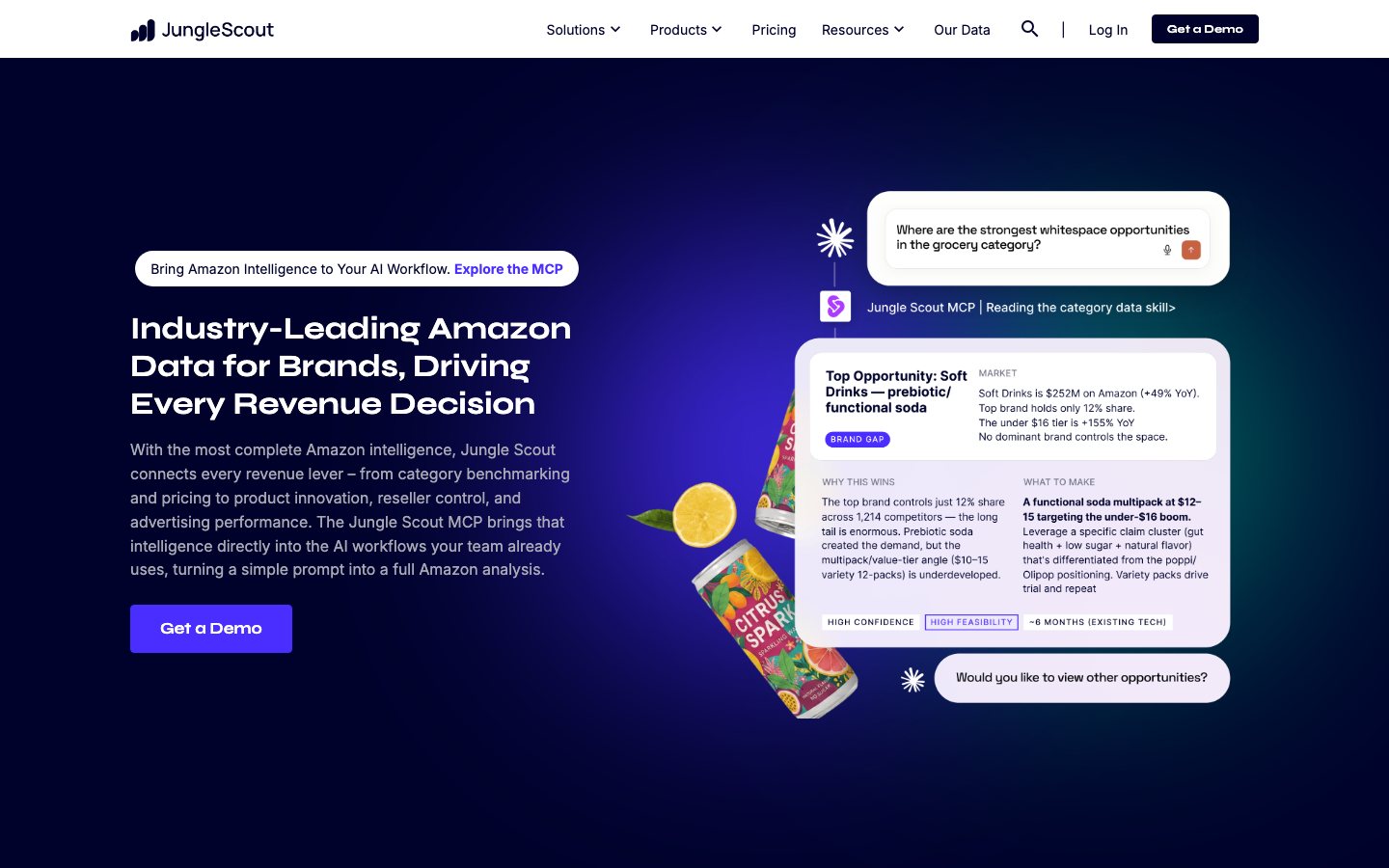
Buying view: Jungle Scout is centered on Amazon product and keyword research, supplier discovery, listing work, and seller analytics. Demand estimates and opportunity scores narrow a search; they do not replace current Amazon checks, supplier quotes, landed cost, or a margin model.
Capabilities
Jungle Scout brings Amazon product and supplier research together with listing, review-request and seller-operations tools. Sellers can compare estimated market demand with their own sales, advertising and inventory records, keeping research and ongoing operations in the same product.
What problem it addresses
Amazon sellers need to narrow product opportunities, validate search demand, investigate suppliers, and carry selected ideas forward into listing operations.
How people use it
Sellers filter product opportunities, check demand and suppliers, then prepare listing content. After connecting Seller Central, they can also analyze sales and advertising, plan inventory, automate eligible review requests and investigate FBA reimbursement opportunities.
Sellers can research a new product or go straight to editing an existing listing. For research, they add ASINs or product links to Product Tracker groups, compare daily sales and rank trends, and keep notes. They can export the results or investigate suppliers, then choose whether to prepare a listing. In Listing Builder, sellers select or create keyword lists and edit the content themselves; Product Tracker does not automatically create a listing.
Only imported existing listings can sync to Amazon after the seller connects Seller Central. New listings must be created in Seller Central using the prepared content. A queued request is still pending; failed requests can be retried. A confirmed sync means Seller Central has updated, so sellers must still check the live page. Listing-control restrictions may require Seller Central support. A+ content is managed in Seller Central, and Handmade is unsupported. Product research does not guarantee demand or verify supplier compliance.
With the relevant seller data connected, the team chooses the decision it needs to make. Sales Analytics combines sales, fees and supplied costs to inspect profit; Inventory Manager uses stock, sales and replenishment assumptions to estimate purchase needs. These are independent routes: profit analysis is not a prerequisite for replenishment, and an inventory recommendation does not place a supplier order.
After linking Seller Central, the seller activates Review Automation and configures the available exclusions and timing. Eligible orders receive Amazon’s review request. The dashboard records request activity; a sent request is not a submitted review.
The seller connects the required Amazon account to the reimbursement service and reviews the audit. The service handles eligible claims under its terms, and Amazon determines the claim outcome. This is a separate service path from drafting listings or monitoring profit.
What each module does and its role
Product Database
Product research database with sales estimates. Sellers filter and compare estimated demand to shortlist products for deeper margin and sourcing checks.
Opportunity Finder
Opportunity Finder lets Amazon sellers filter keyword niches by demand, competition, price, search volume, trends, and seasonality. Its Niche Score combines demand, competition, and listing quality so the seller can decide which niches to validate further in Extension or Product Tracker.
Browser extension
The browser extension places available demand, sales, rank, review, and competition estimates beside live Amazon search results and product pages. Sellers use it to validate database ideas against the current marketplace and save promising ASINs for the next research step.
Keyword Scout
Sellers enter a keyword or competing ASIN in Keyword Scout to investigate search demand and related terms. They use relevant terms in listing drafts and track selected rankings to see how search visibility changes.
Supplier Database
Supplier Database for manufacturer sourcing. Its sourcing records help sellers compare potential manufacturers before outreach or a purchase decision.
Review Automation
After connecting Seller Central, the seller enables Review Automation and sets the available exclusions and timing. Jungle Scout sends Amazon’s review request for eligible orders; the buyer decides whether to leave a review.
Sales Analytics
Sales Analytics combines sales, fees and the seller’s cost inputs in product and business profit views. Advertising Analytics adds campaign performance and search-term evidence, helping the seller choose which costs, bids or negative keywords to review.
Listing Builder
Listing Builder brings selected keywords and product facts into an editable title, bullet points and description, with AI assistance where available. The seller reviews the draft, then copies it to Seller Central or syncs an eligible imported listing and checks the resulting status.
Inventory Manager and Supplier Tracker
Inventory Manager uses sales and stock information to indicate when replenishment needs attention. Sellers review the quantity and timing, while Supplier Tracker keeps sourcing contacts and quotes together for the purchasing decision.
Competitive Intelligence
Brand owners define a market segment and compare their products with competing listings. Market, listing and review analysis help identify differences to investigate before changing positioning or content.
FBA Reimbursements
Sellers can investigate eligible inventory discrepancies through the FBA reimbursement service. The connected service handles the supported claim process; a discovered discrepancy is not an approved reimbursement.
Commercial plans
Estimated from published pricing rules
Jungle Scout subscription budget
Independent Vendolune budget matching based on public subscription prices; not a vendor calculator.
Monthly subscription budget
Select the highest eligible plan within this budget. Usage needs are not assessed.
Subscription scope
Jungle Scout
Choose a Catalyst subscription and use the calculator to add seats, API capacity or Competitive Intelligence segment packs. Cobalt remains a separate custom-priced product.
Growth Accelerator and Brand Owner only. Each added authorized-user seat costs $49/month or $459/year. Select 1–10 here; the official account flow allows more and charges a prorated amount when seats are added during a billing cycle.
Growth Accelerator and Brand Owner only. Choose one monthly tier after the first 100 free requests. Requests do not roll over; usage above the selected tier is $0.05/request. The API subscription may renew on a different cycle from the base membership, so it is available only in this calculator's monthly view.
Brand Owner only. Add 1–10 packs of 5 segments beyond the 5 included with the plan. The official price is $950 per pack per year. For monthly budget planning, this calculator uses an estimated ceiling of $100 per pack per month; Jungle Scout does not publish or offer that as a monthly billing price. The control stops at 10 packs because no public purchase maximum is stated.
Starter includes 1 seat and cannot add seats or API capacity. Growth Accelerator includes 1 seat; Brand Owner includes 3 seats on the current master pricing page. Both can add seats for $49 per seat per month or $459 per seat per year and can buy one monthly API tier after the first 100 free requests. Brand Owner includes 5 Competitive Intelligence segments and can add more in 5-segment packs for $950 per pack per year. Because Jungle Scout publishes no monthly price for these packs, the monthly view uses an editorial planning ceiling of $100 per pack per month; this is not a vendor monthly billing option. The controls cover up to 10 added seats and 10 segment packs. Jungle Scout permits more seats, while its public page does not state a segment-pack maximum. API overage is $0.05/request, requests do not roll over, more than 10,000 monthly requests require a custom plan, and these variable or custom charges are excluded. Taxes and mid-cycle prorating are also excluded.
View official pricing detailsChoose a Catalyst subscription and use the calculator to add seats, API capacity or Competitive Intelligence segment packs. Cobalt remains a separate custom-priced product.
Jungle Scout plan entitlements
Compare the allowances and feature entitlements included with each Jungle Scout plan. Selectable add-ons and their purchase conditions are handled in the calculator above.
| Plan | Allowances and feature entitlements |
|---|---|
| Starter | 50 tracked products with 30 days of history; 500 sales estimates/month. Included plan entitlements
|
| Growth Accelerator | 150 tracked products with 6 months of history; 1,000 sales estimates/month. Included plan entitlements
|
| Brand Owner + CI | 2,000 tracked products with 2 years of history; 5,000 sales estimates/month. Included plan entitlements
|
Jungle Scout product packages
| Product or sales surface | Scope | Public price and status |
|---|---|---|
| Cobalt | For enterprises and brands with annual corporate revenue above $1 million. Included plan entitlements
| Custom quote |
Comparable tools: price and workflow
| Tool | Workflow difference | Official public price reference |
|---|---|---|
| Helium 10 | Helium 10: All-in-one Amazon and Walmart seller toolkit with 30+ tools for product research, keyword research, listings, advertising, and profit analysis. Jungle Scout: Screen Amazon product opportunities with demand, competition, keyword, and pricing signals. | Platinum — $129/month or $1,188/yearDiamond — $359/month or $3,348/yearEnterprise — From $1,499/month billed annuallyHelium 10 pricing ↗ |
| SellerSprite (卖家精灵) | SellerSprite (卖家精灵): AI-powered Amazon seller toolkit with 1.8M+ users across 10+ global marketplaces, competitive pricing, and tools for product, keyword, and competitor research. Jungle Scout: Screen Amazon product opportunities with demand, competition, keyword, and pricing signals. | Standard — $39/monthAdvanced — $79/monthVIP — $189/monthSellerSprite (卖家精灵) pricing ↗ |
| ZonGuru | ZonGuru: ZonGuru helps ecommerce teams research Amazon niches and products, then carry the findings into listing and seller-operations work. Jungle Scout: Screen Amazon product opportunities with demand, competition, keyword, and pricing signals. | Researcher — $49/month or $29/month billed annuallySeller, 1–20 SKUs — $79/month or $49/month billed annuallySeller, 21–100 SKUs — $159/month or $99/month billed annuallySeller, 101–1,000 SKUs — $249/month or $159/month billed annuallyEnterprise — Custom quoteZonGuru pricing ↗ |
| SmartScout | SmartScout: SmartScout helps ecommerce teams investigate brands, products, sellers, search terms, and opportunity signals before making a sourcing or listing decision. Jungle Scout: Screen Amazon product opportunities with demand, competition, keyword, and pricing signals. | Basic — $49/month or $348/yearEssentials — $119/month or $1,188/yearBusiness — $299/month or $2,868/yearEnterprise — Custom quoteSmartScout pricing ↗ |
| DataDive | DataDive: DataDive helps ecommerce teams evaluate Amazon product opportunities and turn market signals into more structured listing and launch decisions. Jungle Scout: Screen Amazon product opportunities with demand, competition, keyword, and pricing signals. | Standard — $39/month or $32/month billed annuallyProfessional — $99/month or $83/month billed annuallyEnterprise — Custom quoteDataDive pricing ↗ |
Frequently asked questions
What is Jungle Scout?
Jungle Scout is an Amazon seller platform for product research, keywords, supplier discovery and performance tracking.
How much does Jungle Scout cost?
Starter is $49 monthly, Growth Accelerator $79 and Brand Owner + CI $149; annual options are cheaper and Cobalt is custom. Confirm taxes, usage charges and current contract terms on the linked official pricing source before purchase.
Which tools integrate natively with Jungle Scout?
The verified first-party directory lists Amazon Seller Central, Amazon Advertising. Each connector supports a defined data path, so check its guide before assuming every object or action is available.
Who is Jungle Scout best for?
Jungle Scout is best suited to Amazon sellers validating products and monitoring a growing catalog. The practical fit still depends on data volume, team skills and the systems already in use.
What are the main Jungle Scout alternatives?
This page compares Helium 10, SellerSprite (卖家精灵), ZonGuru, SmartScout, DataDive. Compare their complete plan prices, workflow scope, native connections and data ownership against the same operating scenario.
What should buyers check before choosing Jungle Scout?
Check this boundary first: historical data, tracked products, seats and API access differ sharply by tier. Run a small production-like test and confirm export, cancellation and renewal terms before a broad rollout.
Native connections
Use the documented connector to exchange supported data or trigger the supported workflow with Amazon Seller Central.
Jungle Scout account connectionsUse the documented connector to exchange supported data or trigger the supported workflow with Amazon Advertising.
Jungle Scout account connectionsSources
- Jungle Scout official product page
- G2 product reviews
- Capterra product reviews
- Jungle Scout official pricing
- Jungle Scout API pricing
- Jungle Scout additional-seat instructions
- Official workflow guide 1: Track candidate products before sourcing
- Official workflow guide 2: Edit a listing and distinguish sync from publication
- Official workflow guide 3: Edit a listing and distinguish sync from publication
- Official workflow guide 4: Combine Amazon results with costs to inspect profit
- Helium 10 pricing
- SellerSprite (卖家精灵) pricing
- ZonGuru pricing
- SmartScout pricing
- DataDive pricing
- Jungle Scout account connections
- Official feature and workflow documentation
- Official feature and workflow documentation
- Official feature and workflow documentation
User reviews
243 reviewsChecked Sep 21, 2026
Jungle Scout product reviews.
Review summary (our paraphrase)
Review summary (our paraphrase)
Used demand and keyword estimates to evaluate a new brand; cautioned that estimates and entry-plan limits require care.
Read original reviewReview summary (our paraphrase)
Found the product easy to use; wanted longer historical tracking and more flexible plans.
Read original review285 reviewsChecked Sep 21, 2026
Jungle Scout reviews; summaries cover the overall-experience answer.
Review summary (our paraphrase)
Was particularly impressed by the support team’s dedication.
Read original reviewReview summary (our paraphrase)
Found research and market analysis intuitive and described responsive support.
Read original reviewReview summary (our paraphrase)
Reported an unwanted change to review-request timing and said this led them to switch providers.
Read original reviewJungle Scout
Content checked:
Liked consolidated product-research data; wanted clearer guidance and profitability estimates including advertising and shipping.
Read original review