Lokalise AI translation
Lokalise AI is an AI-powered localization management platform for product, engineering, and localization teams that need to translate, review, and continuously update multilingual content across connected work systems. It centralizes string synchronization, translation, quality evaluation, and review workflows so teams that publish frequently can keep multilingual product content current.
Lokalise AI is an AI-powered localization management platform for product, engineering, and localization teams that need to translate, review, and continuously update multilingual content across connected work systems. It centralizes string synchronization, translation, quality evaluation, and review workflows so teams that publish frequently can keep multilingual product content current.
Lokalise AI is an AI-powered localization management platform for product, engineering, and localization teams that need to translate, review, and continuously update multilingual content across connected work systems.
- Views
- 0
- Uses
- 0
- Favorites
- 0
- Supported Platforms
- Shopify · WooCommerce · Magento · BigCommerce · WordPress · Custom
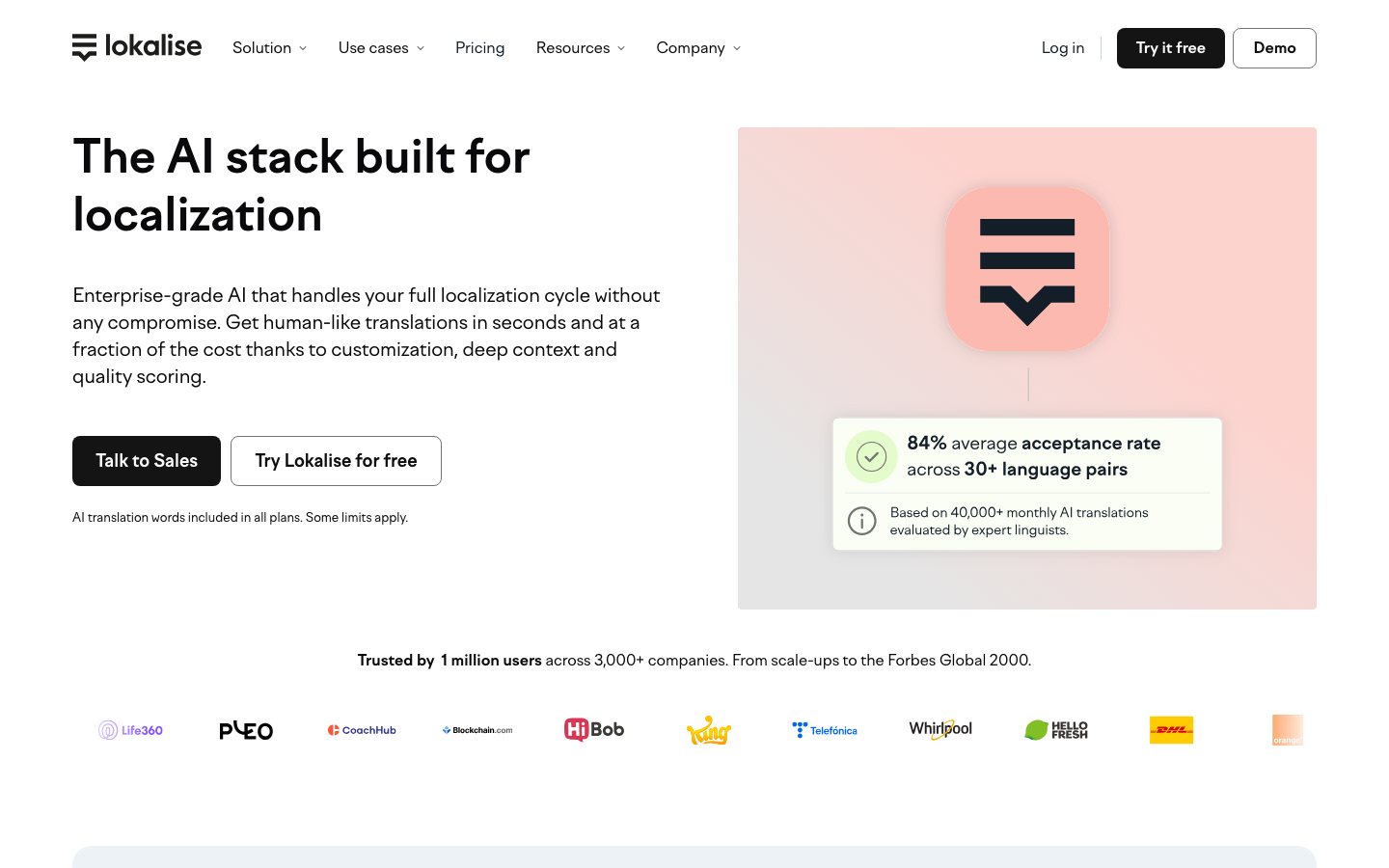
Buying view: Lokalise AI fits teams that need translations to move with product and design changes across repositories, design files, content systems, and ecommerce platforms. Translation memory, glossaries, in-context review, and approvals remain important because automatically selected machine output does not by itself establish compliance with brand guidelines or legal requirements.
Lokalise AI translation and localization workflows
Lokalise moves new or changed store and product content into a managed translation workflow, applies translation memories, glossaries, style requirements, and AI or machine translation, then routes strings through review before returning them to the connected product or publishing system. Its biggest advantage is continuous localization: approved terminology and prior translations are reused automatically as content changes, reducing copy-paste work while preserving human review.
Continuous localization across teams and systems
Product teams need translations to move continuously with changes in code, design, content systems, and storefronts while preserving review controls.
How Lokalise combines AI translation and human review
Evaluate multiple machine-translation engines per string and organize human review. Synchronize content through integrations such as GitHub, GitLab, Figma, and Shopify. Manage translation memory, glossaries, tasks, approvals, and automated workflows in one place.
In Lokalise Expert, a configured workflow checks for newly added or updated source-language keys on its schedule. Matching content can pass through translation memory and AI translation according to the chosen template, with review tasks created when configured. The result remains translated project content and review work, not an automatically deployed storefront.
If no changes match, the workflow performs no translation. Insufficient AI quota cancels the workflow; after the quota issue is resolved, the workflow requires manual reactivation before later runs resume. Reviewed and Verified are distinct states. This scheduled workflow applies to Lokalise Expert, not Lokalise Vantage.
Lokalise pricing and AI translation allowances
Choose usage levels to find a base plan, then add any missing features.
Word usage follows the selected billing cycle. Seats, integrations and automations are team totals. OTA uses GB per month.
Lokalise competitor workflow and pricing comparison
Lokalise manages translation projects and review workflows. For store and website translation, Weglot offers a competing route centered on translating and publishing existing pages.
| Tool | Workflow difference | Official public price reference |
|---|---|---|
| Weglot | Weglot competes with Lokalise when the task is making an existing store or website multilingual. The team connects the site, generates translations, edits important wording, and publishes language versions with multilingual search support. Lokalise organizes content into localization projects with terminology, review, and publishing workflows across products. Weglot is more focused on website delivery; teams coordinating an app, website, and product content need to compare Lokalise's wider project workflow. | Free — $0Starter — $17/month or $170/yearBusiness — $32/month or $320/yearPro — $87/month or $870/yearAdvanced — $329/month or $3,290/yearExtended — $769/month or $7,690/yearEnterprise — request pricingWeglot pricing ↗ |
Is Lokalise right for your team?
Choosing Lokalise depends on the workflow you need, the purchasing scope and how the alternatives below fit your requirements.
Lokalise vs Phrase for localization management
Lokalise is a closer comparison with Phrase when product, engineering, design and language teams need shared translation assets, review steps and automation. General AI writing products do not replace that management workflow. The decision should start with the content types, collaborators and systems that must stay in sync.
When Weglot or DeepL fits a narrower translation task
Weglot is more direct when the requirement is to make one website multilingual and manage translated pages. DeepL is principally a translation service. Jasper, Copy.ai and Shopify Magic can help create text, but they do not by themselves provide the same cross-team localization process.
Lokalise buying checklist: words, AI usage and exports
Lokalise, Phrase, Weglot and DeepL count different units and sell different scopes. Compare processed or translated words, AI translation allowances, seats, integrations and review work for the same project. Preserve translation memory and export requirements in the purchase comparison.
Lokalise FAQs
These questions explain what Lokalise does, how it is purchased and what to check when evaluating it.
What is Lokalise AI?
Lokalise AI is the AI-assisted translation layer inside the Lokalise localization platform. It uses project context, terminology and translation assets to draft or evaluate translations while product, localization and language teams manage review and delivery in the same workspace.
How much does Lokalise AI cost?
Lokalise separates platform subscriptions from AI usage. The selected Lokalise plan determines workspace limits and features, while AI work can consume included or purchased AI allowances. Buyers should check the current plan table and estimate translated words, users and projects together.
Does Lokalise have an API?
Yes. Lokalise provides an API for managing projects, keys, translations, files, tasks and related localization objects within the permissions of an API token. Engineering teams should scope tokens narrowly and test rate limits and webhook behavior before production automation.
Which tools integrate with Lokalise?
Lokalise publishes more than 60 prebuilt integrations across code repositories, design, content management, support and marketing. Examples include GitHub, Figma, Contentful, HubSpot, Zendesk Guide, Intercom, Jira and Iterable; supported objects differ by connector.
Can teams review AI translations before publishing?
Yes. Teams can route strings through tasks, translation status, quality checks and human review before exporting or sending them back through an integration. The required review level should follow content risk: checkout, legal and support content usually need stricter approval than low-risk drafts.
Is Lokalise only for websites?
No. Lokalise manages localization assets for websites, mobile apps, software interfaces, help centers, marketing content and other supported digital products. The file formats, SDKs and connector needed depend on where the translated content will be released.
What are common Lokalise alternatives?
Weglot focuses on website translation, while DeepL Pro focuses on individual and team translation. Jasper and Copy.ai center on marketing content, and Shopify Magic covers content generation inside Shopify. Compare workflow approvals, repository and design integrations, terminology control and total AI usage cost.
Lokalise native integrations
The connections below show how Lokalise works with other tools and which data or actions each connection supports.
Move localization files between repositories and Lokalise to reduce manual file handoffs for translators.
Lokalise integration directorySend design text and visual context to Lokalise, then return approved translations to designs.
Lokalise integration directoryExchange supported CMS entries for translation and return localized content to Contentful.
Lokalise integration directoryLocalize supported HubSpot content through a managed round trip instead of copying text by hand.
Lokalise integration directoryTranslate help-center articles and return localized versions to Zendesk Guide.
Lokalise integration directorySend supported help-center content to Lokalise and return translated content for publication.
Lokalise integration directoryCreate and track localization work alongside product delivery tasks.
Lokalise integration directoryTranslate supported campaign content and return localized variants to Iterable.
Lokalise integration directorySources and references
These sources support the descriptions of Lokalise features, workflows and commercial terms on this page.
- Lokalise AI official product page
- G2 reviews for this product
- Lokalise workflows
- Lokalise AI translations
- Lokalise official pricing
- Iterable connection
- HubSpot connection
- Weglot pricing
- DeepL Pro pricing
- Jasper pricing
- Shopify pricing
- Copy.ai pricing
- Lokalise integration directory
- Lokalise API reference
- Weglot: product workflow
Lokalise user reviews
User feedback about Lokalise is grouped by source and reflects the experiences of the individual reviewers.
754 reviewsChecked Sep 20, 2026
Reviews of the Lokalise platform as a whole; some records may discuss AI-assisted localization. Count-only tab.
Individual reviews cannot be linked here. Open the original platform to read them.
More reviews on G297 reviewsChecked Sep 20, 2026
Reviews on the exact Lokalise product profile; count-only tab.
Individual reviews cannot be linked here. Open the original platform to read them.
More reviews on Capterra28 reviewsChecked Sep 20, 2026
Lokalise company-profile reviews that may cover the product, billing or support; count-only tab.
Individual reviews cannot be linked here. Open the original platform to read them.
More reviews on TrustpilotContent checked: