Jasper AI
Jasper is an AI marketing-content platform for teams that need to research, draft, adapt, and review on-brand campaign content across repeatable workflows. It is intended for teams running coordinated campaigns and producing governed content at scale rather than those seeking a one-click product-description utility, with the most extensive customization, administration, API, and advanced agents reserved for Business contracts.
Jasper is an AI marketing-content platform for teams that need to research, draft, adapt, and review on-brand campaign content across repeatable workflows. It is intended for teams running coordinated campaigns and producing governed content at scale rather than those seeking a one-click product-description utility, with the most extensive customization, administration, API, and advanced agents reserved for Business contracts.
Jasper is an AI marketing-content platform for teams that need to research, draft, adapt, and review on-brand campaign content across repeatable workflows.
- Views
- 0
- Uses
- 0
- Favorites
- 0
- Supported Platforms
- Shopify · WooCommerce · Amazon · BigCommerce
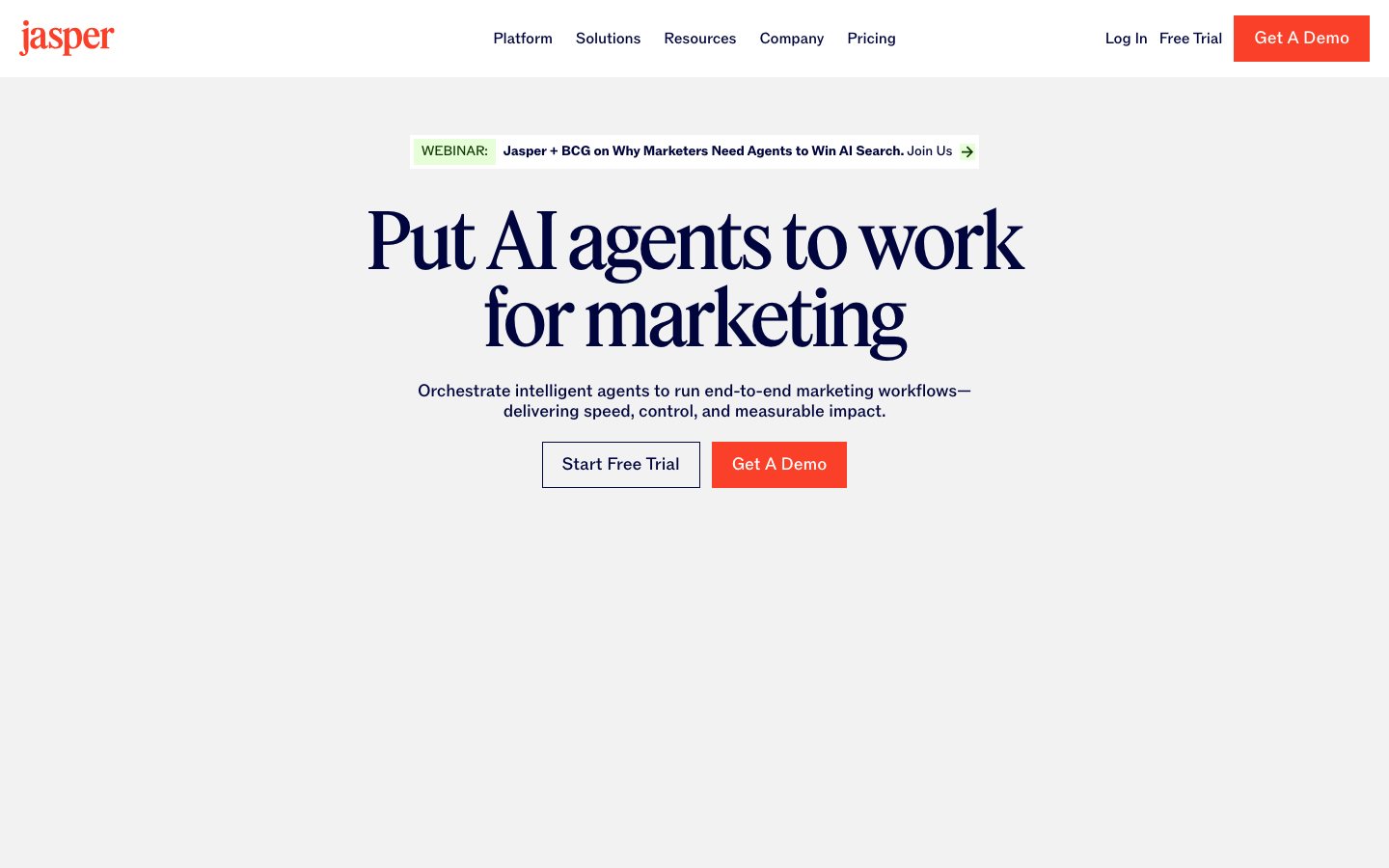
Buying view: Jasper is designed for marketing teams that need shared brand context, reusable agents, approvals, and high-volume campaign production rather than a single copy generator. The strongest administration, APIs, custom agents, and advanced automation sit in Business contracts, so the buying decision includes governance and implementation as well as writing quality.
Capabilities
Jasper organizes marketing work around three connected parts: Jasper IQ supplies reusable brand, audience, product and company context; purpose-built Agents perform specific marketing tasks; and content pipelines provide the work surfaces for individual assets, batch production, custom Agents, images and external-system access.
What problem it addresses
Marketing teams need to scale campaign production without sacrificing shared brand context, reusable workflows, approval processes, or governance.
How people use it
A marketer can create one campaign asset in Canvas, run structured content jobs in Grid or process product imagery through Image Pipelines. Studio turns repeatable tasks into reusable Agents, while APIs and MCP bring Jasper capabilities into external systems. Jasper IQ supplies shared context across the applicable routes, and Governance controls access and publishing permissions.
Jasper IQ supplies shared brand, marketing, product and company context. Purpose-built Agents can perform research, optimization or translation inside the applicable content route, while the team chooses Canvas, Grid, Studio, Image Pipelines or an API/MCP connection according to the job. These are parallel work paths rather than mandatory consecutive stages.
The five primary workflows below are grouped into three detailed figures: content and image production, custom Agent building, and external-system access. Governance controls who can change shared context, publish custom Agents and manage access.
The team starts with a brief, structured rows or source product images, then chooses the work surface that matches the job. Canvas handles an individual campaign asset, Grid runs a tested row-based job, and Image Pipelines produces governed image variants. Jasper IQ supplies shared brand, audience, product and company context across the applicable route.
Research, Optimization and Translation Agents are optional task executors within Canvas or Grid; they are not mandatory stages in every job. The team reviews the generated text or images before exporting them or passing them to an enabled destination.
A team uses Jasper Studio when it wants to turn a repeatable marketing task into a reusable Agent. The builder combines instructions with the approved Jasper IQ context, tests a sample output and revises the configuration until it is ready for the intended job.
Publishing makes the Agent available to colleagues allowed by workspace permissions; it does not execute every marketing task automatically. Running the published Agent with a new brief remains a separate user action.
A development or platform team first configures an authenticated connection and the Jasper context that the external tool may use. It then chooses Jasper APIs for content capabilities, Jasper MCP for a compatible AI tool, or Image APIs for image operations. The selected route returns an output to the calling system.
These routes are implementation interfaces rather than automatic publishing destinations. The calling application or its operator remains responsible for reviewing the returned content or image and deciding what happens next.
What each module does and its role
Canvas and marketing agents
Canvas and marketing-specific agents help research, plan, draft, repurpose, and review campaign content. Marketing teams keep those stages in one workspace and review the generated material before it enters a campaign.
Brand and audience context
Brand Voice, Knowledge, Style Guide, Visual Guidelines, and Audiences provide reusable context for consistent output. Teams maintain those reusable inputs so drafts begin from the current brand and audience rules rather than a blank prompt.
Multi-model generation
Jasper routes generation through its supported language models inside the marketing workspace. Marketers work with a brief and brand context, then edit the resulting text rather than managing a separate application for each model.
Custom agents and governance
Teams use Jasper Studio to build reusable agents for their own marketing tasks. Administrators manage publishing permissions, groups and access so colleagues can reuse the configured process with the intended brand context.
Jasper Grid
Jasper Grid supports repeatable content operations across many rows, products, markets, or campaign variants. Each row carries a defined input and output, allowing the team to review exceptions before approving the full set.
Collaboration and approvals
Colleagues can share documents, edit together and use status labels to organize review work. The team checks the final assets before exporting or handing them to its publishing tools; collaboration does not itself publish a campaign.
Image generation and editing
Marketers generate campaign imagery or edit an existing image using instructions. Background removal, replacement, upscaling and product compositing support asset preparation; the team reviews the result before using it in a campaign.
Commercial plans
Choose a Jasper plan by need
Select the work Jasper needs to handle, then set the team size and brand requirements.
Vendolune matches selected needs to Jasper’s published plan inclusions. Business pricing requires a sales quote.
Team and brand needs
Count the saved brand tones, reference assets and audience profiles needed in one workspace. These are configuration counts, not monthly content output.
Pro includes 1 user, 2 Brand Voices, 5 knowledge assets and 3 Audiences. Needs above any of these limits require Business.
Selected features
Why this plan
Pro covers the selected features and the entered team and brand requirements.
Pro serves one user within its brand configuration limits. Business adds team access, advanced workflows and expanded brand controls; pricing is customized.
Jasper plan entitlements
| Plan / add-on | Allowances and feature entitlements |
|---|---|
| Pro | 1 user, 2 Brand Voices, 5 knowledge assets and 3 Audiences. Included plan entitlements
|
| Business | Custom pricing for large teams, with usage-based features charged through credits. Included plan entitlements
|
| Copyscape plagiarism checker (optional add-on) | Paid add-on available through Jasper; charges are not included in the subscription price. Included plan entitlements
|
Comparable tools: price and workflow
| Tool | Workflow difference | Official public price reference |
|---|---|---|
| Shopify Magic | Shopify Magic: Shopify-native generative AI and Sidekick assistance included with merchant plans. Jasper AI: Enterprise marketing AI workspace for governed, on-brand content and reusable agents. | Basic — $39/month or $29 billed annually; Magic includedGrow — $105/month or $79 billed annually; Magic includedAdvanced — $399/month or $299 billed annually; Magic includedPlus — From $2,300/month; Magic includedShopify Magic pricing ↗ |
| Copy.ai | Copy.ai: GTM AI platform for reusable sales, marketing, and customer workflows. Jasper AI: Enterprise marketing AI workspace for governed, on-brand content and reusable agents. | Chat — $29/month or $24 billed annuallyGrowth — $1,000/monthExpansion — $2,000/monthScale — $3,000/monthEnterprise — Custom quoteCopy.ai pricing ↗ |
| Writesonic | Writesonic: Writesonic helps ecommerce teams create product and search content while monitoring how a brand appears across AI and search discovery surfaces. Jasper AI: Enterprise marketing AI workspace for governed, on-brand content and reusable agents. | Starter — $99/month or $948/yearBasic — $249/month or $2,388/yearGrowth — $499/month or $4,788/yearEnterprise — Custom quoteWritesonic pricing ↗ |
| Adobe Firefly | Adobe Firefly: Generate on-brand product visuals and lifestyle scenes with commercially safe AI trained on licensed content. Jasper AI: Enterprise marketing AI workspace for governed, on-brand content and reusable agents. | Free — $0Standard — $9.99/monthPro — $29.99/monthPremium — $199.99/monthAdobe Firefly pricing ↗ |
| Amazon Add Products | Amazon Add Products: Seller Central workflow for matching existing products or creating new Amazon listings with optional AI drafting. Jasper AI: Enterprise marketing AI workspace for governed, on-brand content and reusable agents. | Individual selling plan — $0.99 per item sold plus selling feesProfessional selling plan — $39.99/month plus selling feesAmazon Add Products pricing ↗ |
Frequently asked questions
What is Jasper AI?
Jasper AI is an AI content platform for marketing teams, brand voice and campaign production.
How much does Jasper AI cost?
Pro is $69 per seat monthly or $59 with annual billing; Business uses a custom quote. Confirm taxes, usage charges and current contract terms on the linked official pricing source before purchase.
Which tools integrate natively with Jasper AI?
The verified first-party directory lists Google Docs, Microsoft Word, Webflow, Surfer SEO, Zapier. Each connector supports a defined data path, so check its guide before assuming every object or action is available.
Who is Jasper AI best for?
Jasper AI is best suited to marketing teams that need reusable brand context and governed content workflows. The practical fit still depends on data volume, team skills and the systems already in use.
What are the main Jasper AI alternatives?
This page compares Shopify Magic, Copy.ai, Writesonic, Adobe Firefly, Amazon Add Products. Compare their complete plan prices, workflow scope, native connections and data ownership against the same operating scenario.
What should buyers check before choosing Jasper AI?
Check this boundary first: usage credits, seats and enterprise controls must be checked in the selected plan. Run a small production-like test and confirm export, cancellation and renewal terms before a broad rollout.
Native connections
Use the documented connector to exchange supported data or trigger the supported workflow with Google Docs.
Jasper integrationsUse the documented connector to exchange supported data or trigger the supported workflow with Microsoft Word.
Jasper integrationsUse the documented connector to exchange supported data or trigger the supported workflow with Webflow.
Jasper integrationsUse the documented connector to exchange supported data or trigger the supported workflow with Surfer SEO.
Jasper integrationsUse the documented connector to exchange supported data or trigger the supported workflow with Zapier.
Jasper integrationsSources
- Jasper AI official product page
- G2 reviews of Jasper AI
- Capterra reviews of Jasper AI
- Trustpilot reviews of Jasper AI
- Jasper IQ
- Jasper API
- Jasper official pricing
- Asana connection
- Official workflow guide 1: Develop campaign content in Canvas
- Official workflow guide 2: Test a repeatable content job before running the grid
- Official workflow guide 3: Develop campaign content in Canvas
- Shopify Magic pricing
- Copy.ai pricing
- Writesonic pricing
- Adobe Firefly pricing
- Amazon Add Products pricing
- Official feature and workflow documentation
- Jasper Canvas
- Jasper Grid
- Jasper Agents
- Jasper Studio
- Jasper Image Pipelines
- Jasper IQ
- Jasper API
- Jasper MCP
- Jasper Image APIs
- Jasper governance
User reviews
Jasper
Content checked: