Dropmatico
Dropmatico is a browser-based image production tool for ecommerce and social teams that need to turn master images into correctly sized channel assets individually or in batches. Use the Single Image Editor when one master needs several outputs, or the Bulk Processor when many images need one destination treatment. Presets are export templates rather than native platform connections, and the documented workflow keeps image processing in the browser.
Dropmatico is a browser-based image production tool for ecommerce and social teams that need to turn master images into correctly sized channel assets individually or in batches. Use the Single Image Editor when one master needs several outputs, or the Bulk Processor when many images need one destination treatment. Presets are export templates rather than native platform connections, and the documented workflow keeps image processing in the browser.
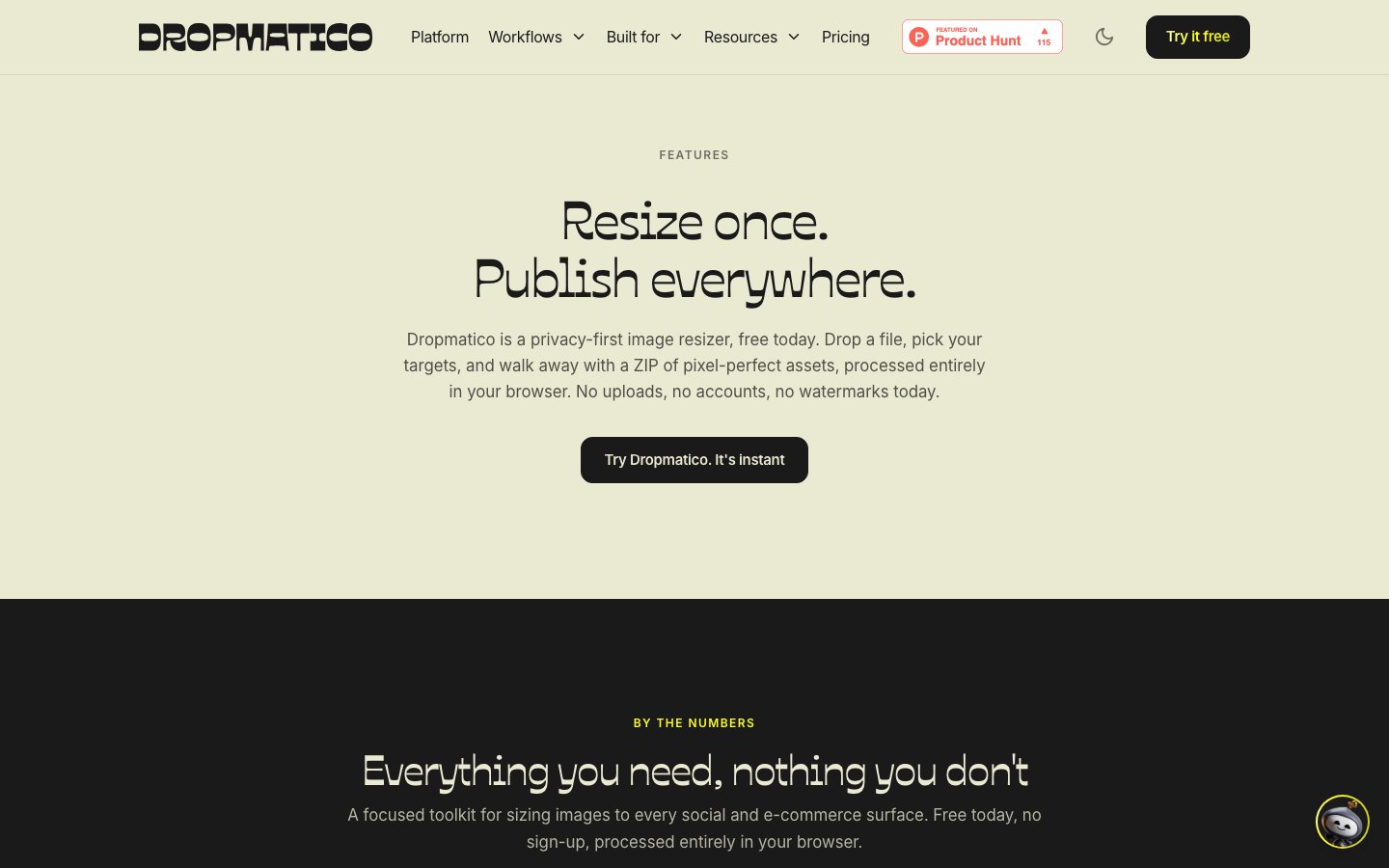
Dropmatico is a browser-based image production tool for ecommerce and social teams that need to turn master images into correctly sized channel assets individually or in batches.
- Views
- 0
- Uses
- 0
- Favorites
- 0
- Supported Platforms
- Web
Buying view: Use it for fast, local preparation when the existing source image is already approved. Choose a fuller creative or DAM product when the job also needs generation, shared review, asset governance or direct publishing.
Capabilities
Dropmatico prepares product images for different destination formats in the browser. Single-image editing and batch processing share local processing and downloadable outputs, so sellers can prepare channel-ready files without uploading source images to a processing server.
What problem it addresses
Prepare approved source images for several destination specifications without repeating every resize and export manually.
How people use it
Sellers choose a destination format, load one image or a batch and adjust the crop and export settings. Processing stays in the browser, and downloaded images or ZIP files are uploaded to the sales channel by the seller.
The operator selects the job in Dropmatico: Single turns one master image into several platform sizes, while Bulk applies one chosen size to many images. After choosing the preset and preparing the images locally in the browser, the operator downloads the ZIP and takes the files to the destination platform.
Single and Bulk are different session modes, not consecutive processing stages. Platform presets describe dimensions and file organization; they are not native marketplace connections. The ZIP download does not upload or publish the images.
What each module does and its role
Single Image Editor
Single Image Editor creates outputs for multiple destinations or custom sizes from one master image. An operator reviews the crop and framing for each output before downloading the channel-ready files.
Bulk Processor
Bulk Processor applies the same processing settings for a chosen destination to up to 16 images and exports one ZIP. It turns an approved treatment into a repeatable batch workflow and packages the finished files together for download.
Local browser processing
Local browser processing keeps images on the device through Canvas and HEIC WebAssembly. According to the official privacy page, it requires no account and uses neither analytics nor third-party scripts.
Editing presets and controls
Includes 90+ presets across 34 destinations, plus crop, rotate, filter and background controls. The operator can start from a channel preset, then refine the crop, rotation, filter, or background before export.
Input and export formats
The editor accepts JPEG, PNG, WebP, and HEIC and exports JPEG, PNG, or WebP at 1x to 5x scale. Sellers choose the file type and resolution that the destination marketplace or campaign actually requires, then upload the downloaded output themselves.
Commercial plans
View official pricing detailsDropmatico currently has one free, full-access offer, with no account, watermark or export meter. There are no paid tiers to rank by budget. The 16-image batch limit reflects browser memory, not a paid upgrade; processing stays on your device.
Dropmatico full access
| Product or sales surface | Scope | Public price and status |
|---|---|---|
| Full access | The current offer exposes every feature without an account, watermark or server-side export meter. Included plan entitlements
| $0 |
Comparable tools: price and workflow
| Tool | Workflow difference | Official public price reference |
|---|---|---|
| PhotoRoom | Choose when background generation, product-scene creation and a broader AI product-photography workflow matter more than local preset export. | Free — $0Pro — $12.99/month or $89.99/yearMax — $34.99/month or $249.99/yearUltra — $99/month or $990/yearEnterprise — Contact salesPhotoRoom pricing ↗ |
| Canva Magic Studio | Choose for collaborative design, templates and broader creative production beyond resizing. | Free — $0Pro — $144/year for one personBusiness — $250/year per personEnterprise — Contact salesCanva Magic Studio pricing ↗ |
| Adobe Firefly | Choose for generative editing and Adobe creative workflows rather than a narrow account-free browser exporter. | Free — $0Standard — $9.99/monthPro — $29.99/monthPremium — $199.99/monthAdobe Firefly pricing ↗ |
| Pixelcut | Choose for AI product-photo editing and marketplace creative production with a broader editing surface. | Free — $0/monthPro — $10/month or $8 billed annuallyBusiness — $30/month or $24 billed annuallyPixelcut pricing ↗ |
| Claid.ai | Choose when an API-led image optimization or generative workflow is required for production systems. | Free trial — $0Essentials — See live official pricePro — See live official priceBusiness — Custom quoteClaid.ai pricing ↗ |
Frequently asked questions
What is Dropmatico?
Dropmatico is a browser-based product image and dropshipping creative tool.
How much does Dropmatico cost?
the current public offer provides full access at $0. Confirm taxes, usage charges and current contract terms on the linked official pricing source before purchase.
Which tools integrate natively with Dropmatico?
No documented prebuilt native connector was found in the first-party product material checked on 2026-09-20. Plan on manual file handling unless the vendor publishes a supported connector.
Who is Dropmatico best for?
Dropmatico is best suited to small sellers that need quick product image cleanup without account setup. The practical fit still depends on data volume, team skills and the systems already in use.
What are the main Dropmatico alternatives?
This page compares PhotoRoom, Canva Magic Studio, Adobe Firefly, Pixelcut, Claid.ai. Compare their complete plan prices, workflow scope, native connections and data ownership against the same operating scenario.
What should buyers check before choosing Dropmatico?
Check this boundary first: it has no verified native integration directory, so files move through manual upload and download. Run a small production-like test and confirm export, cancellation and renewal terms before a broad rollout.
Sources
- Official features
- Official pricing
- Official security and privacy boundary
- Shopify App Store search
- Amazon app marketplace search
- Product Hunt product page
- Dropmatico single editor
- Dropmatico bulk processor
- Official workflow guide 1: Prepare marketplace image sizes in the browser
- Official workflow guide 2: Prepare marketplace image sizes in the browser
- Official workflow guide 3: Prepare marketplace image sizes in the browser
- Official workflow guide 4: Prepare marketplace image sizes in the browser
- PhotoRoom pricing
- Canva Magic Studio pricing
- Adobe Firefly pricing
- Pixelcut pricing
- Claid.ai pricing
- Dropmatico product page
User reviews
Setlab
Content checked: